📁 Jump to Manual Section
Detailed App Walkthrough
An administrative documentation mapping out all primary user interfaces and background automation scripts.
1. Onboarding & Security Setup
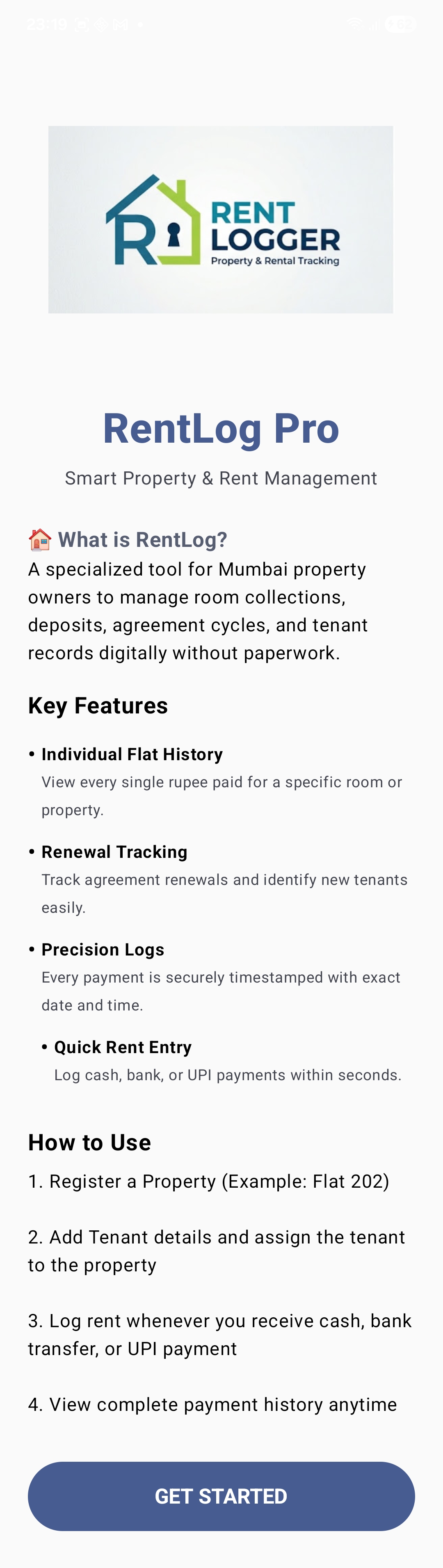
Welcome Screen
The premium entry splash introduction layout for RentLog PRO.
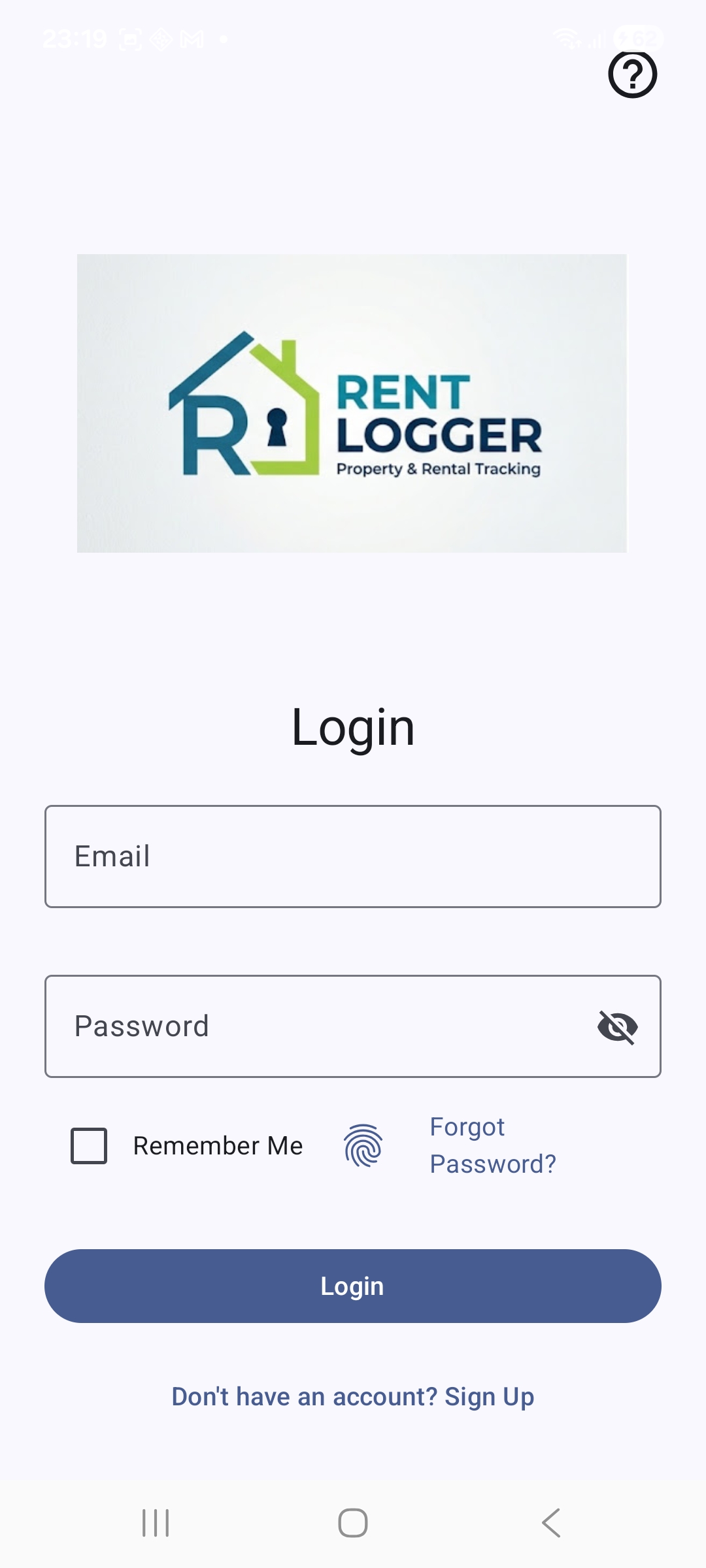
Authentication / Sign In
Secure account gate entry checking username, password, and remember choice flags.
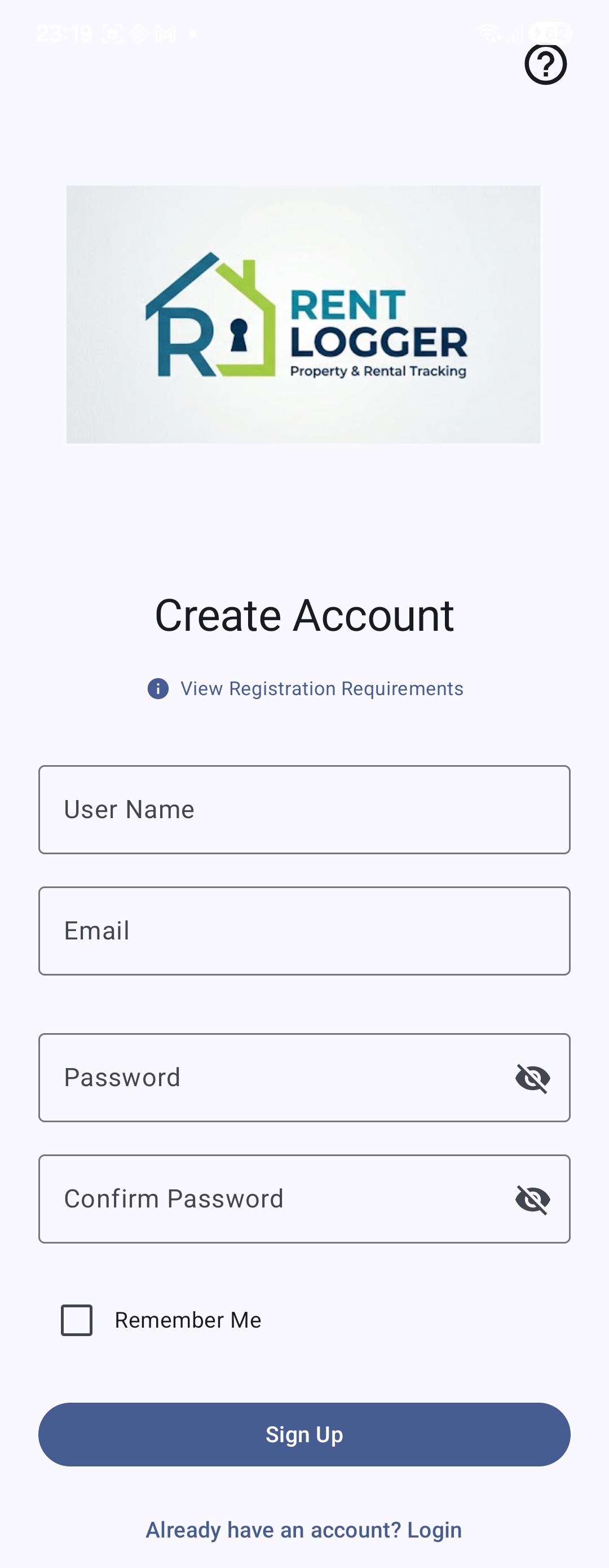
Create Account Screen
Register local manager administrative operational profiles.
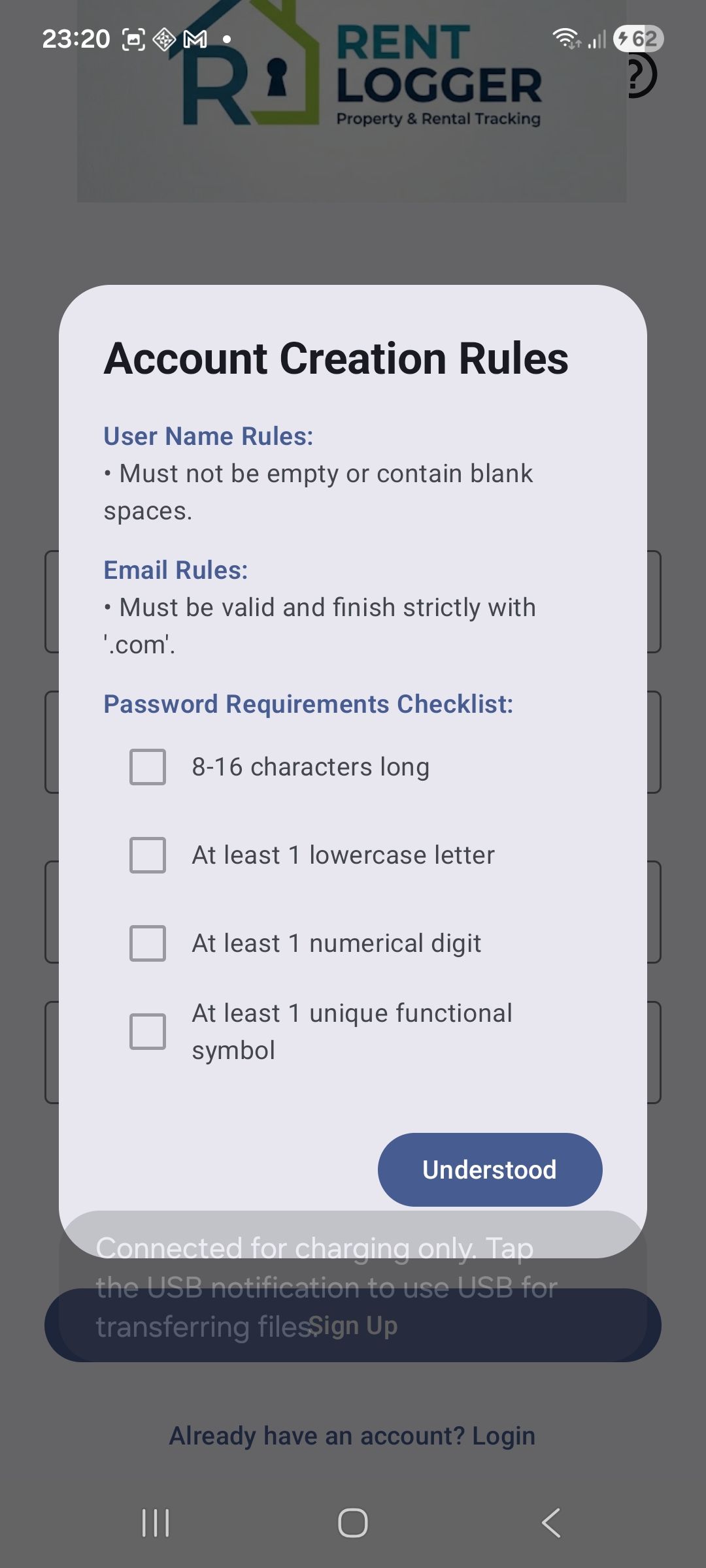
Registration Guidelines View
Live interactive password strength meter evaluating validation parameters.
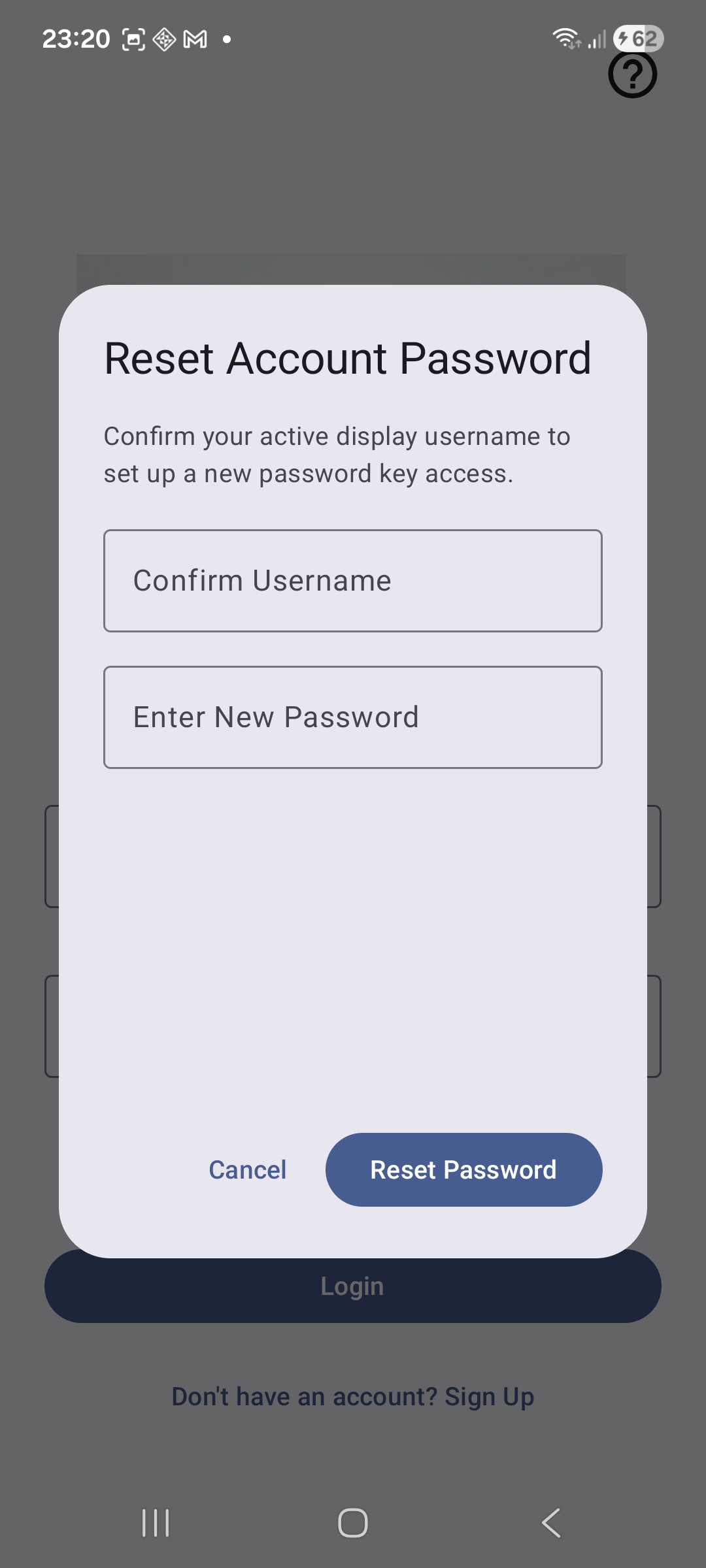
Forgot Password Interface
Security question override fallback to safely reset lost master dashboard credentials.
Authentication Help (Part 1)
Initial system troubleshooting guide for locked management accounts.
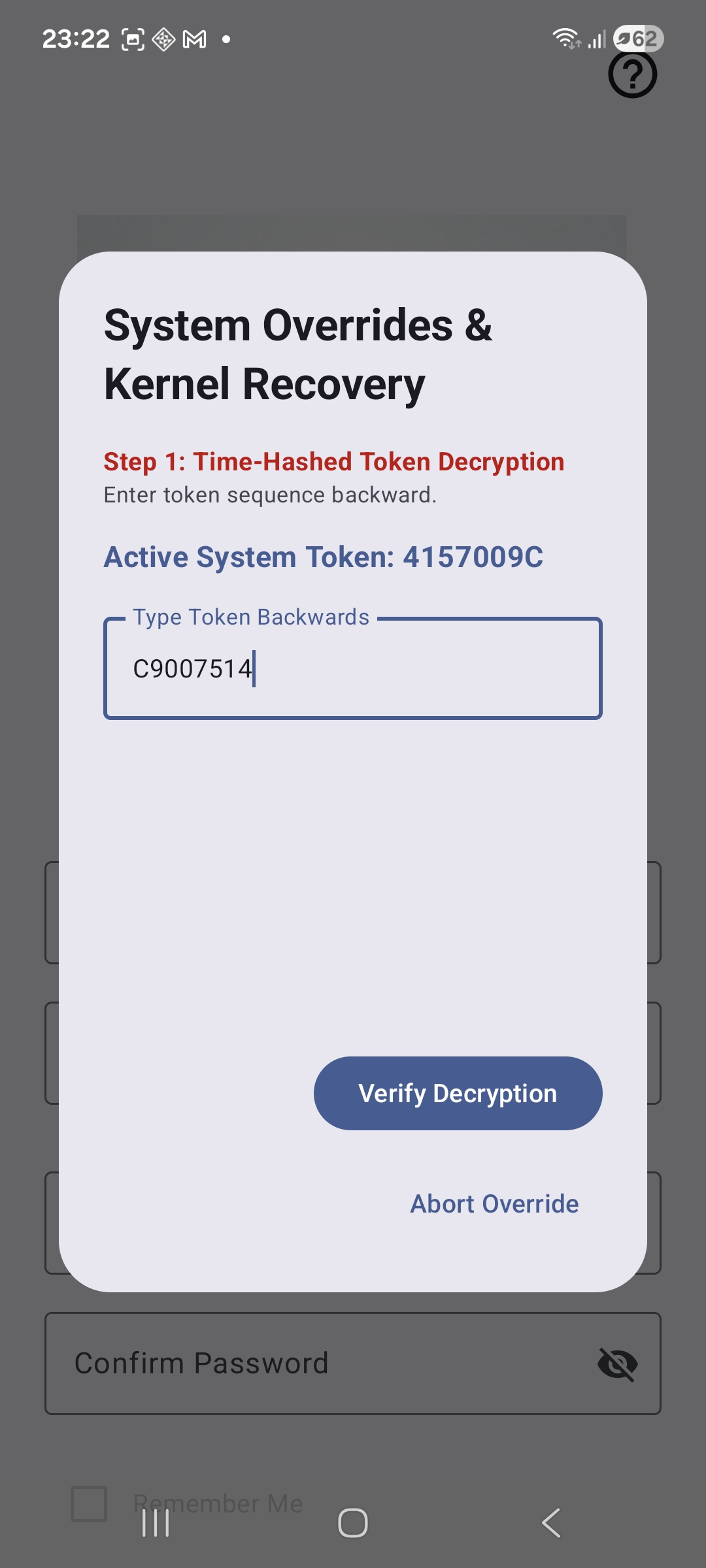
Authentication Help (Part 2)
Advanced backup guidelines layer for device identity profiles verification.
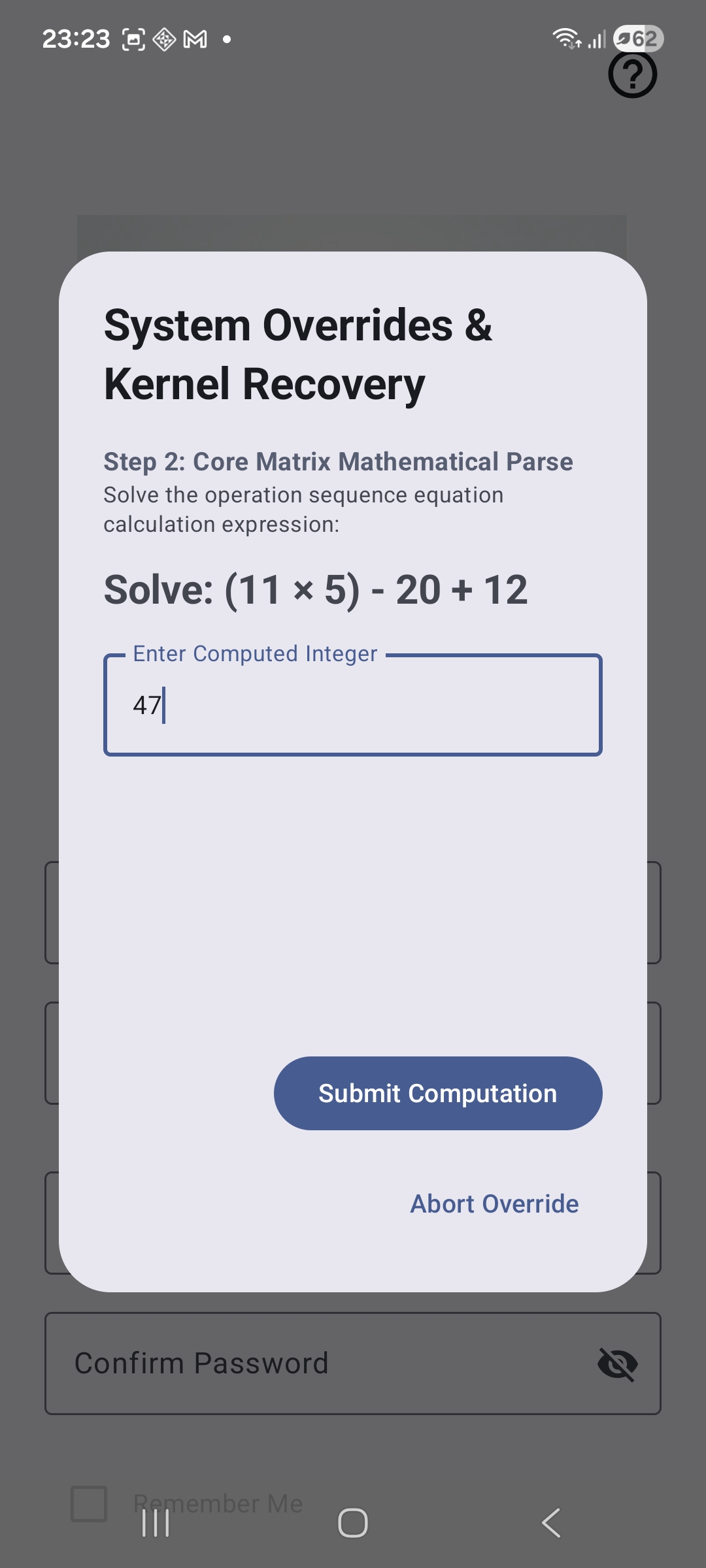
2. Property & Tenant Provisioning Ledger
Initial Empty Dashboard
The starting state reminding users: "Please add property and tenant to get started."
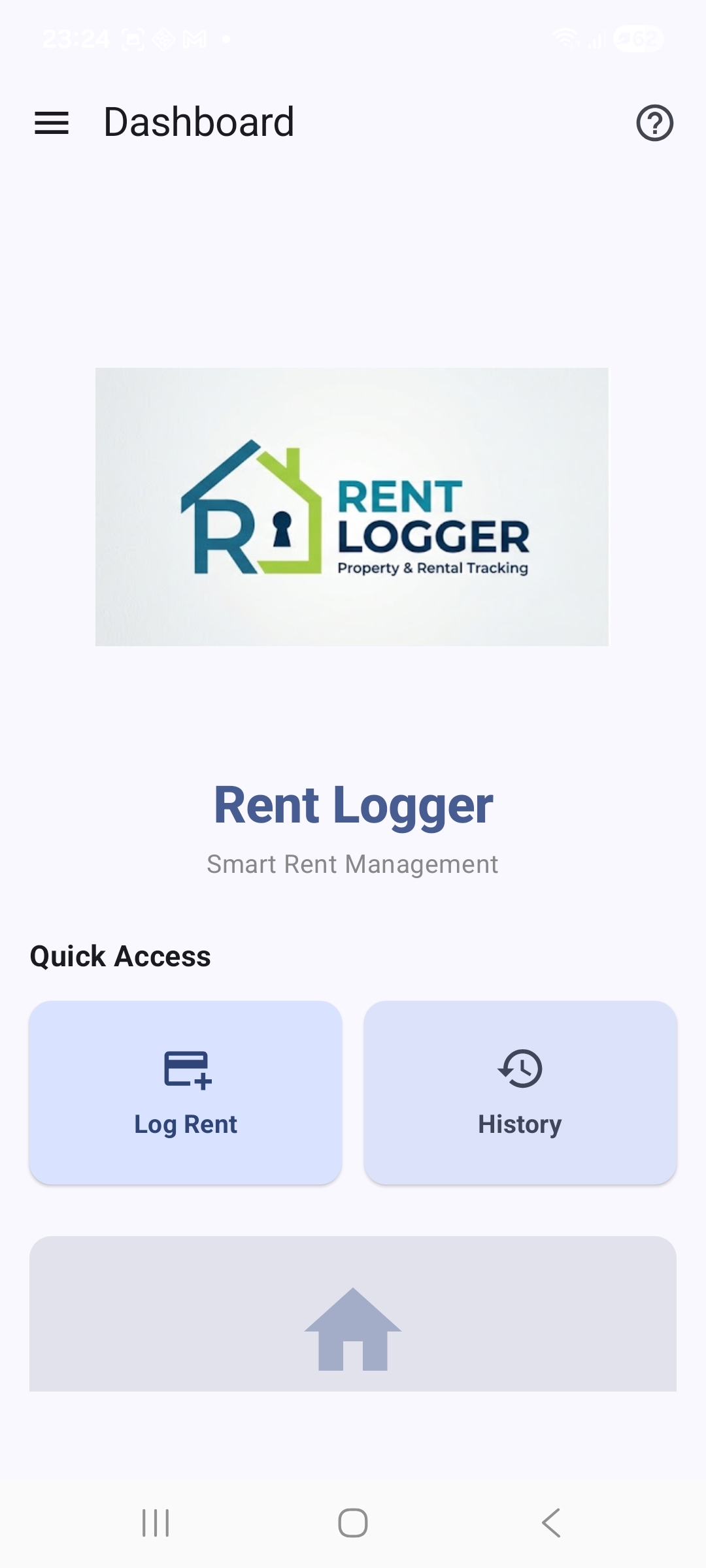
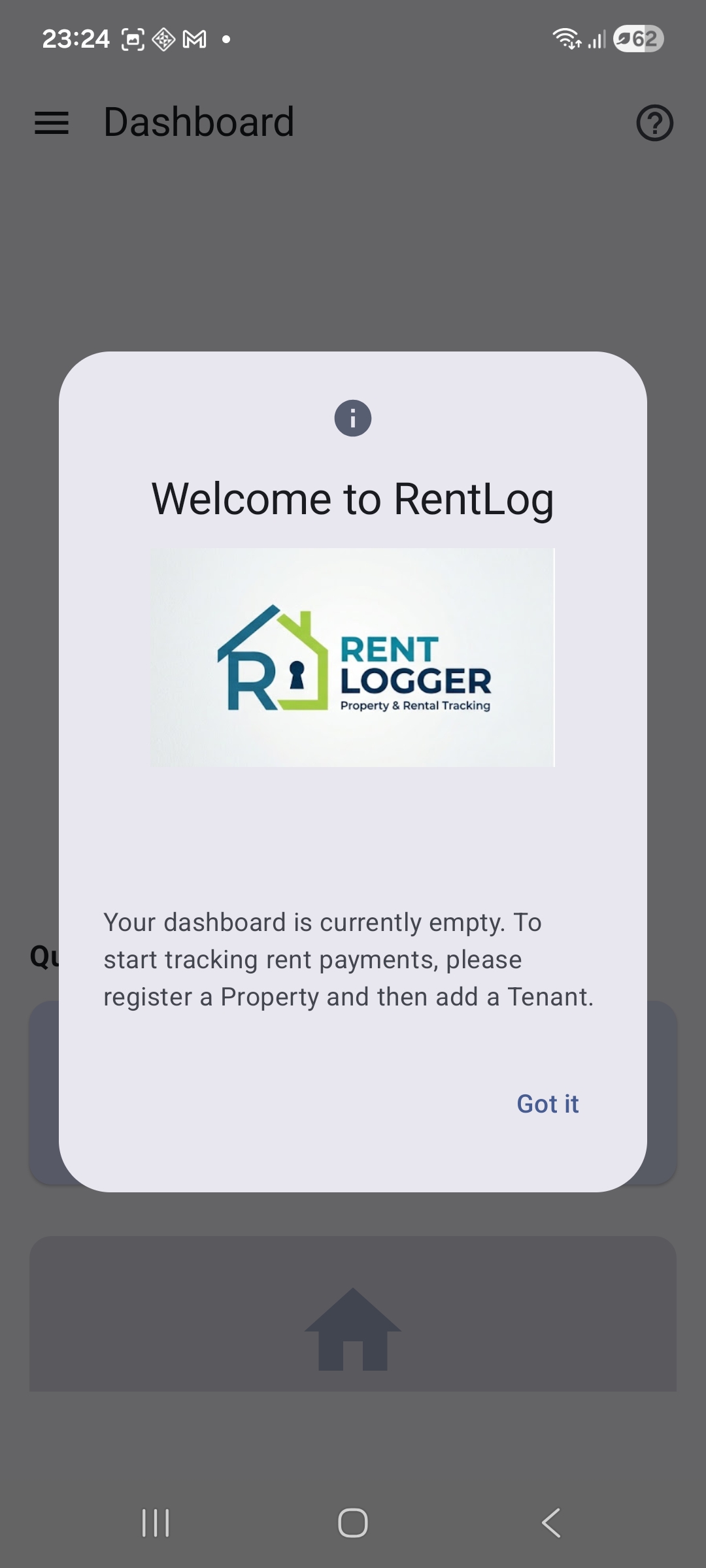
Dashboard Setup Instructions
Context-aware hints showing structural setup sequences for new users.
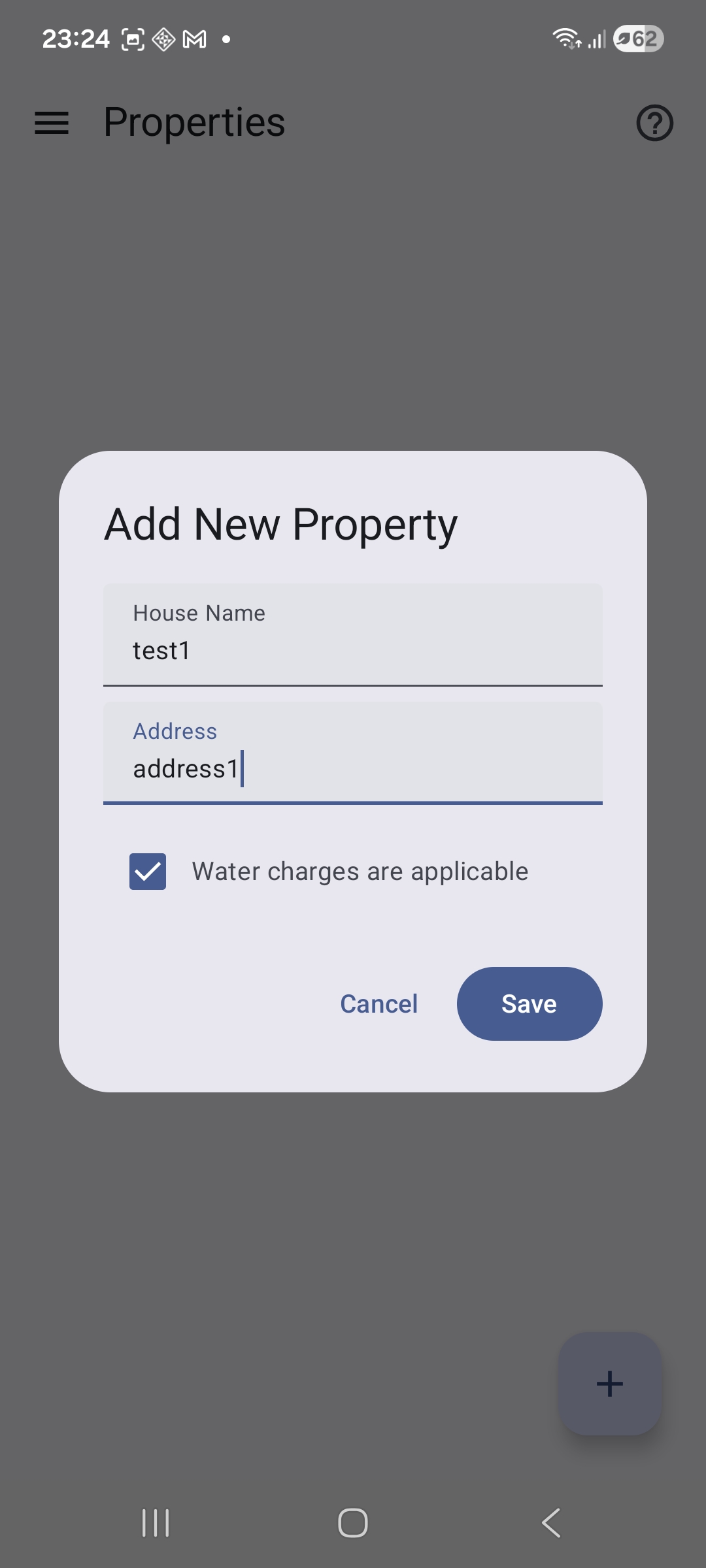
Add Property Form
Input property nicknames and toggle structural rules like water utilities tracking.
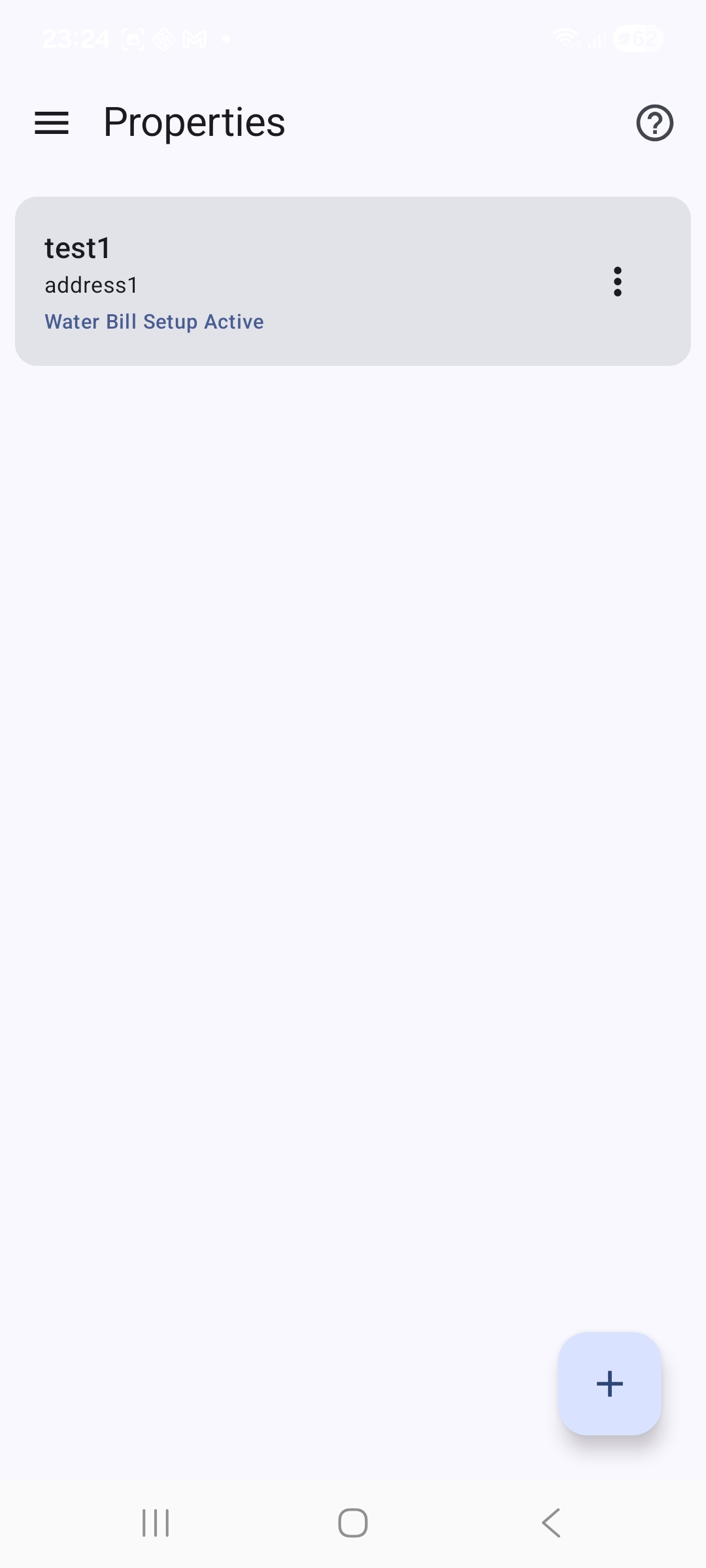
Property Management List View
Comprehensive overview layout summarizing all structural building assets saved locally.
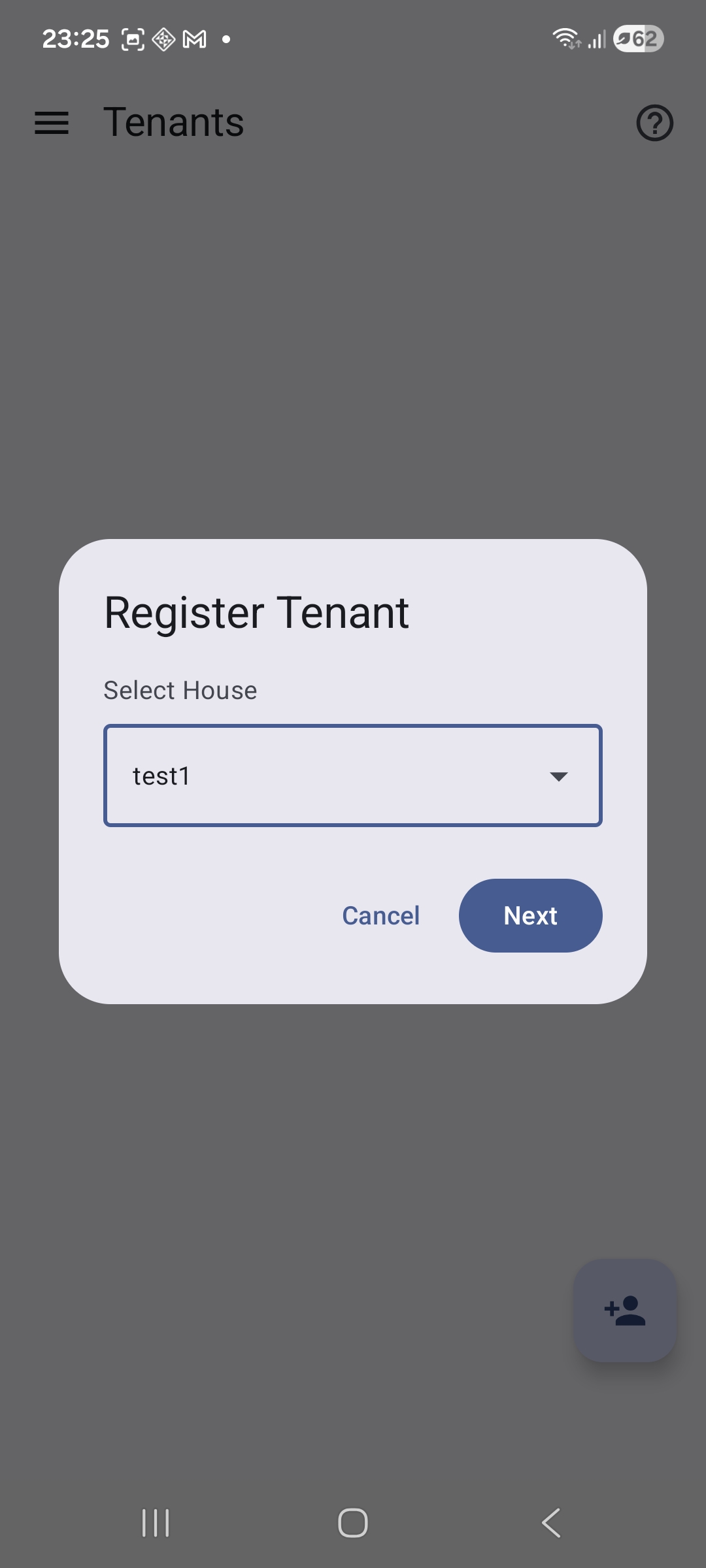
Register Tenant Form
Assign lease terms, record standard baseline rental dues, and specify initial carry-forwards.
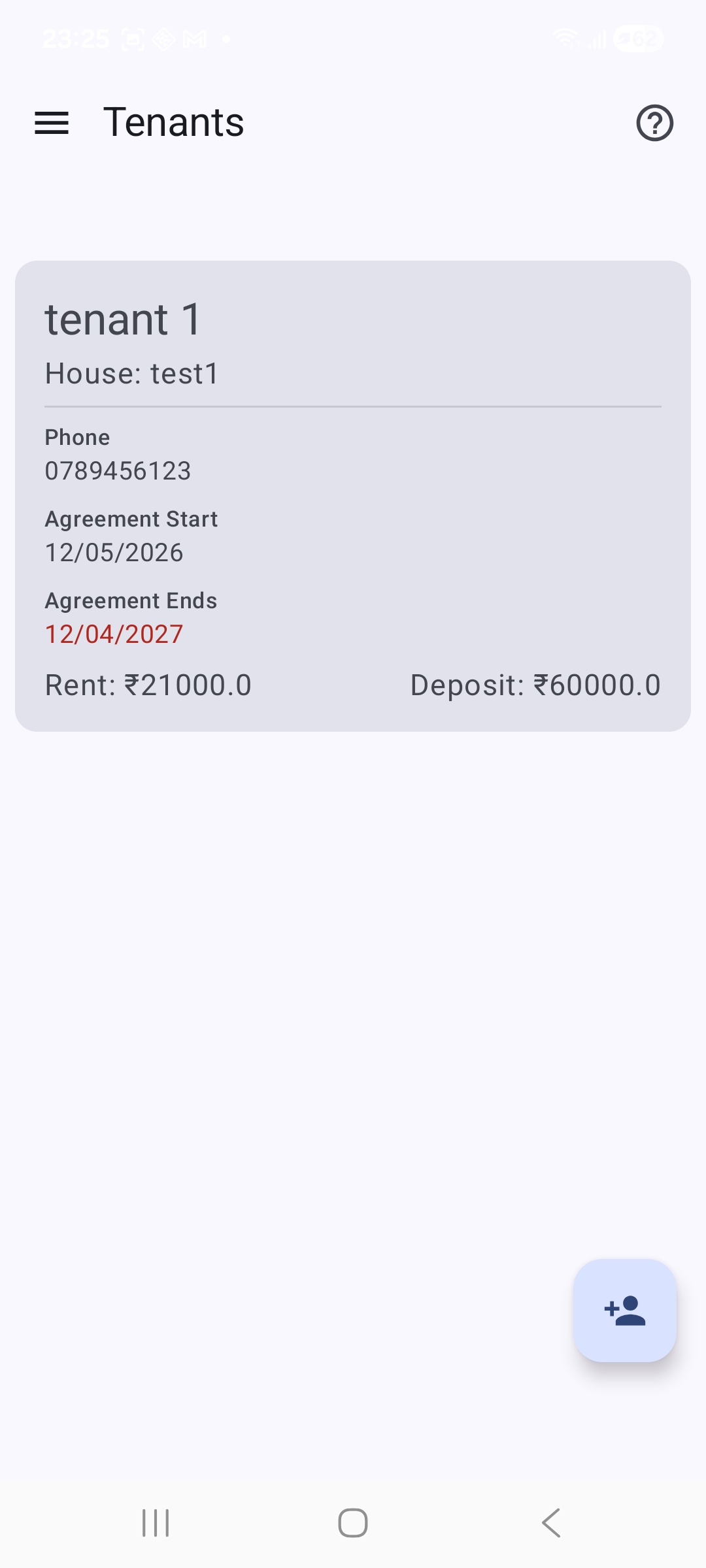
Active Tenant Overview Dashboard
Comprehensive monitoring panel displaying active monthly statements for your tenants.
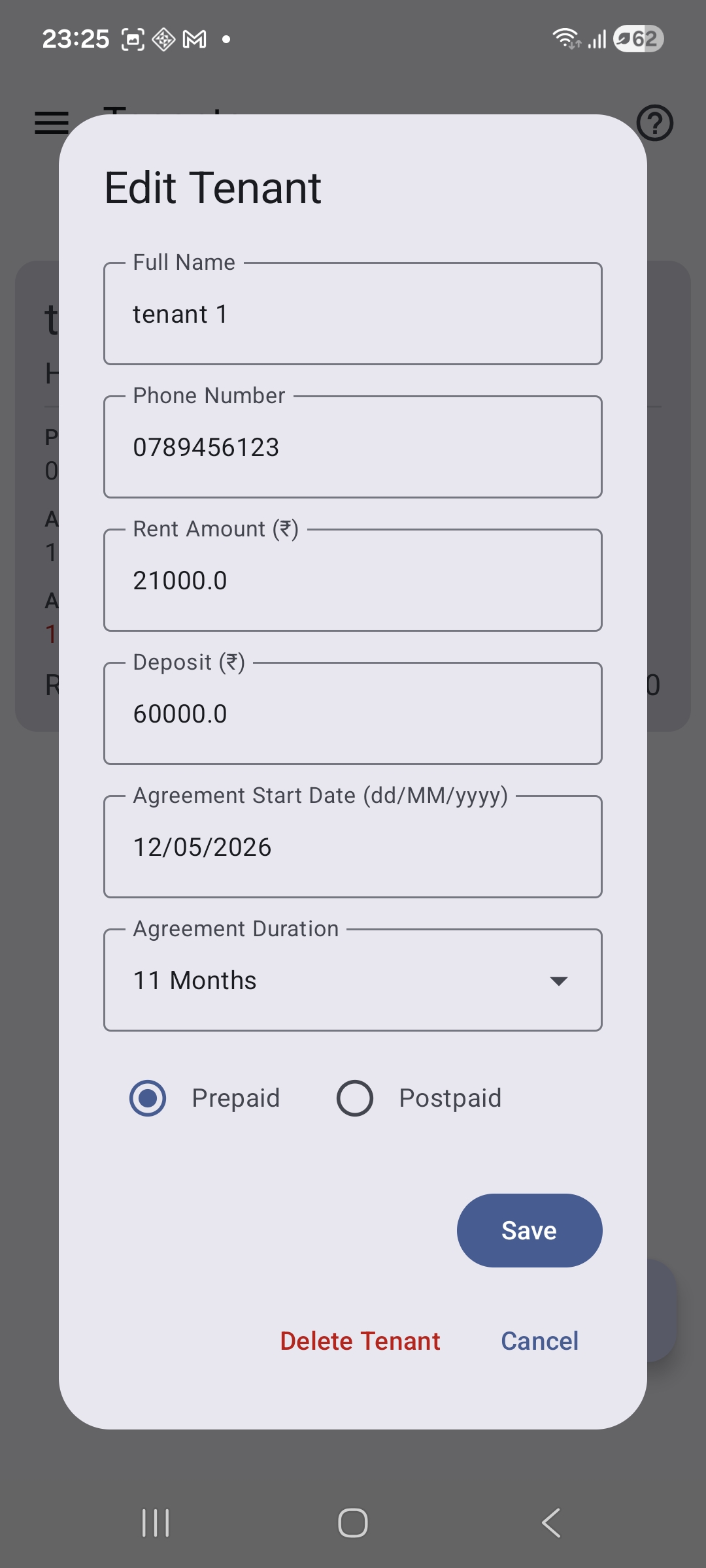
Edit Tenant Profile Modification
Instantly update active agreements, modify baseline expectations, or adjust live account flags at any time.
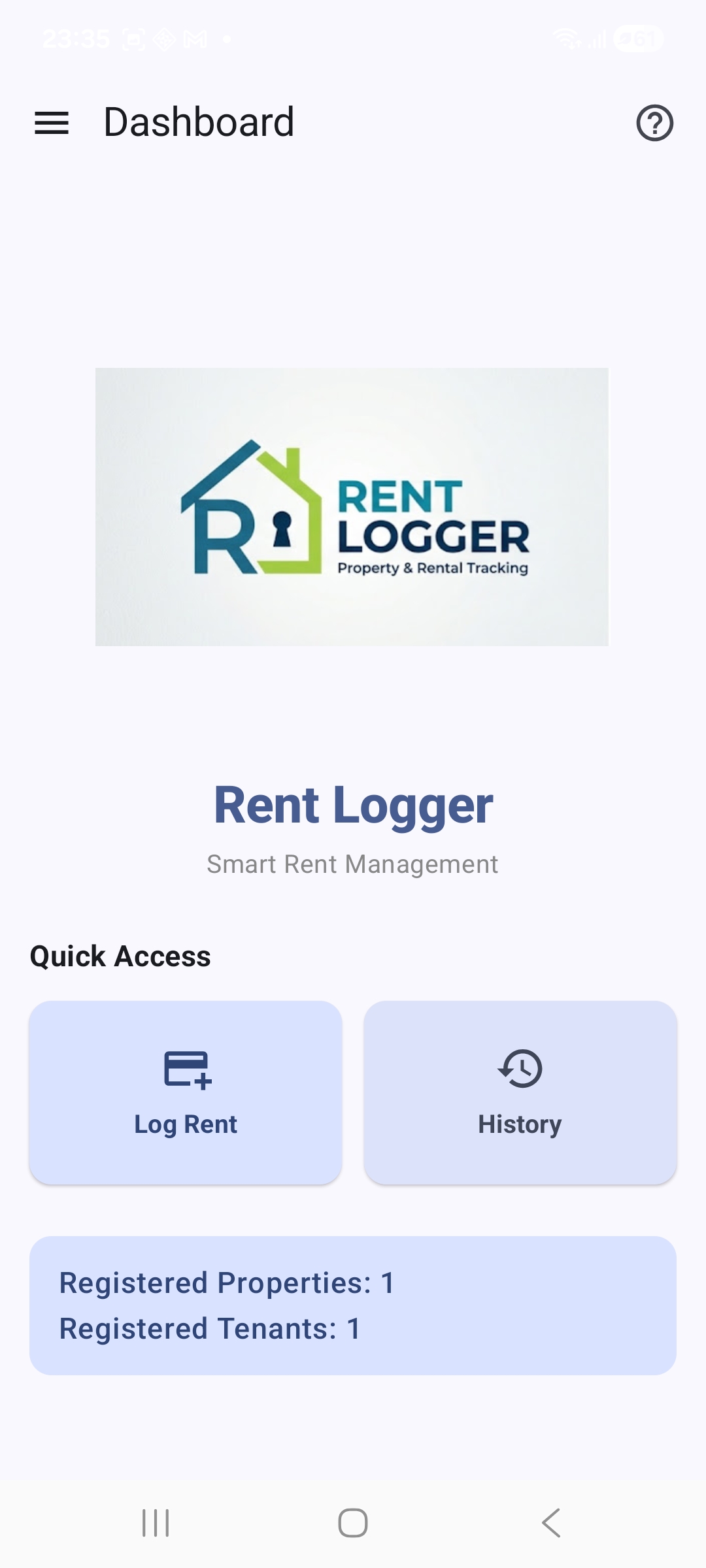
Fully Populated Production Dashboard
The completed real-time operations command dashboard displaying compiled properties and tenant analytics.
3. Secure Payment Entry Workflows
Log Rent Module Landing
The primary tracking screen entryway to begin capturing active monthly tenant collections.

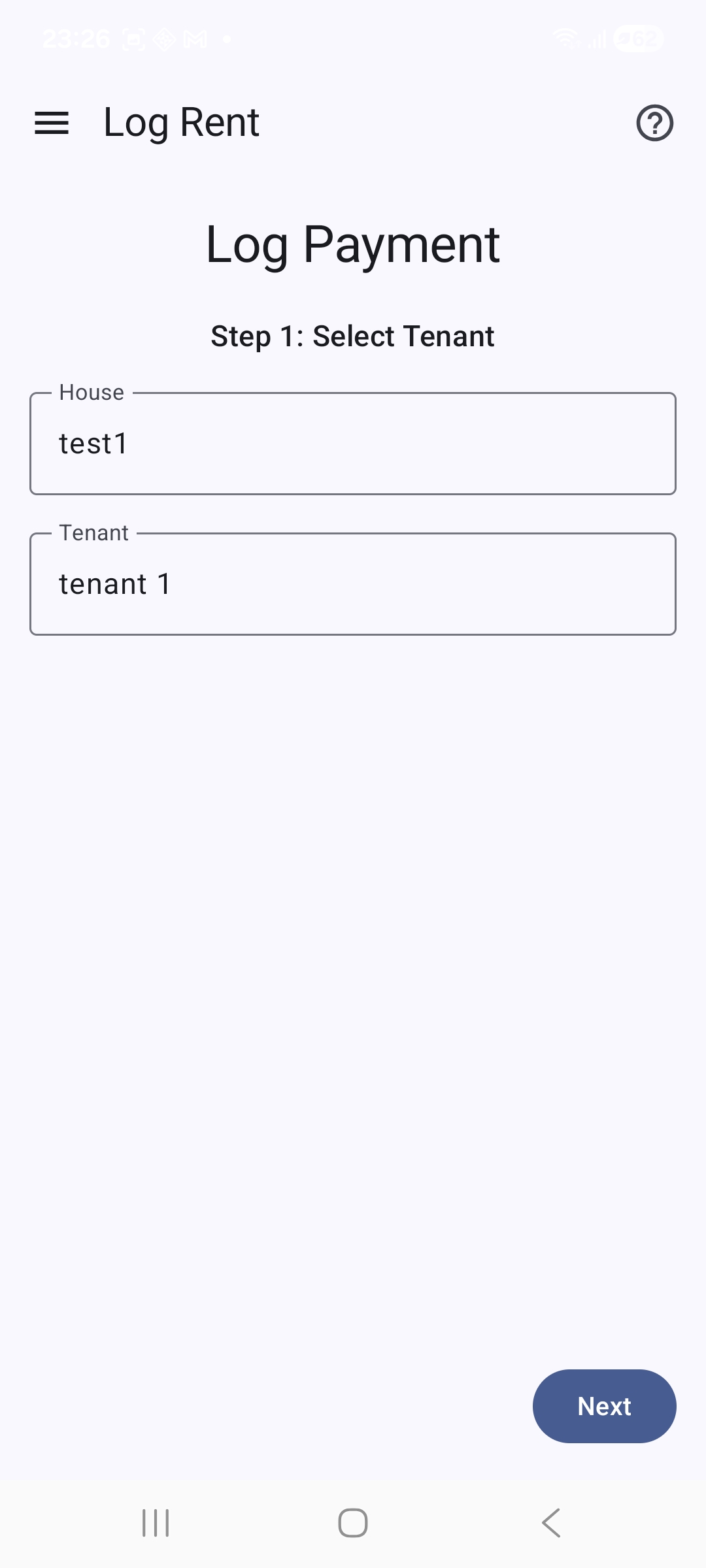
House & Tenant Context Filter (Step 1)
The dynamic cascading dropdown picker targeting explicit real estate nodes cleanly.
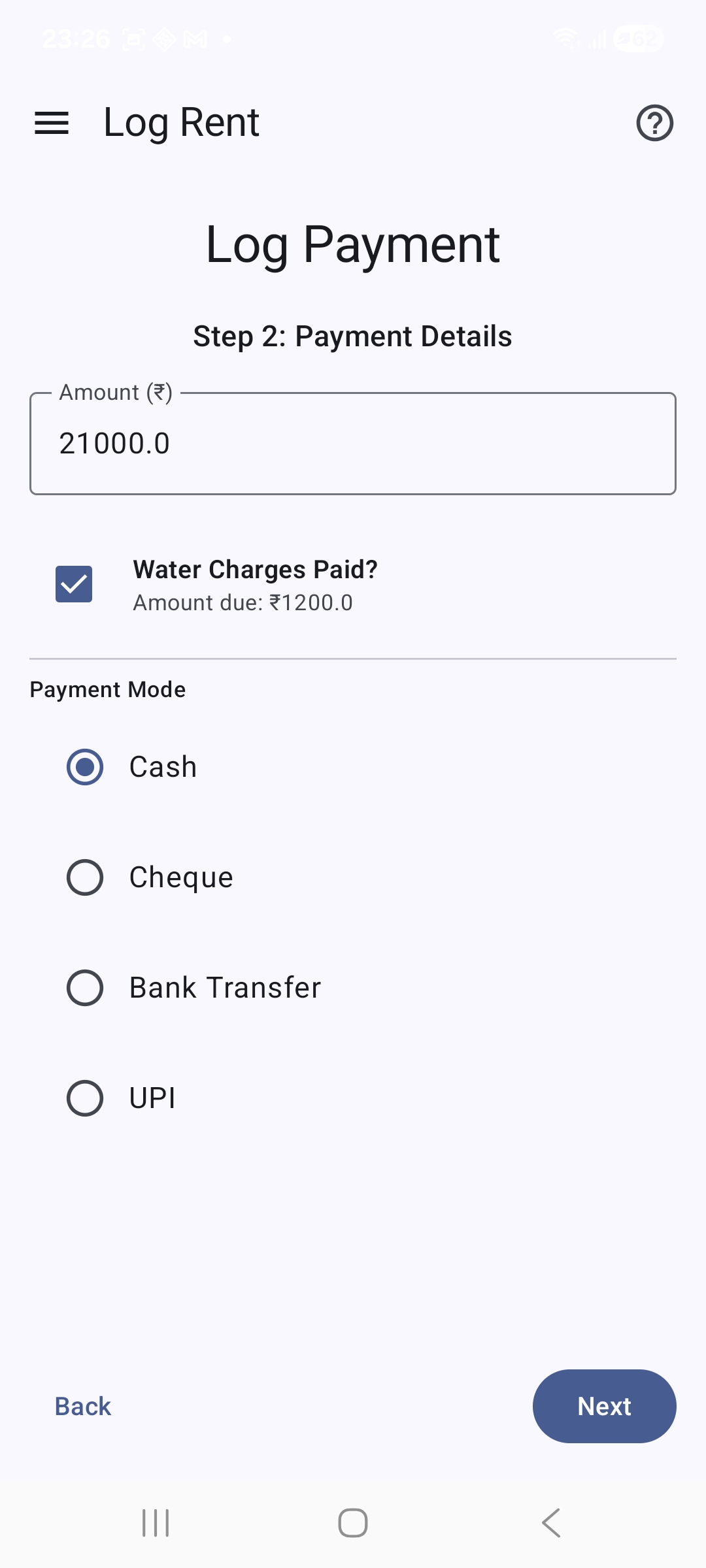
Payment Details Input Form (Step 2)
Record collected cash amounts, track target billing transaction modes, and toggle water utility statements.
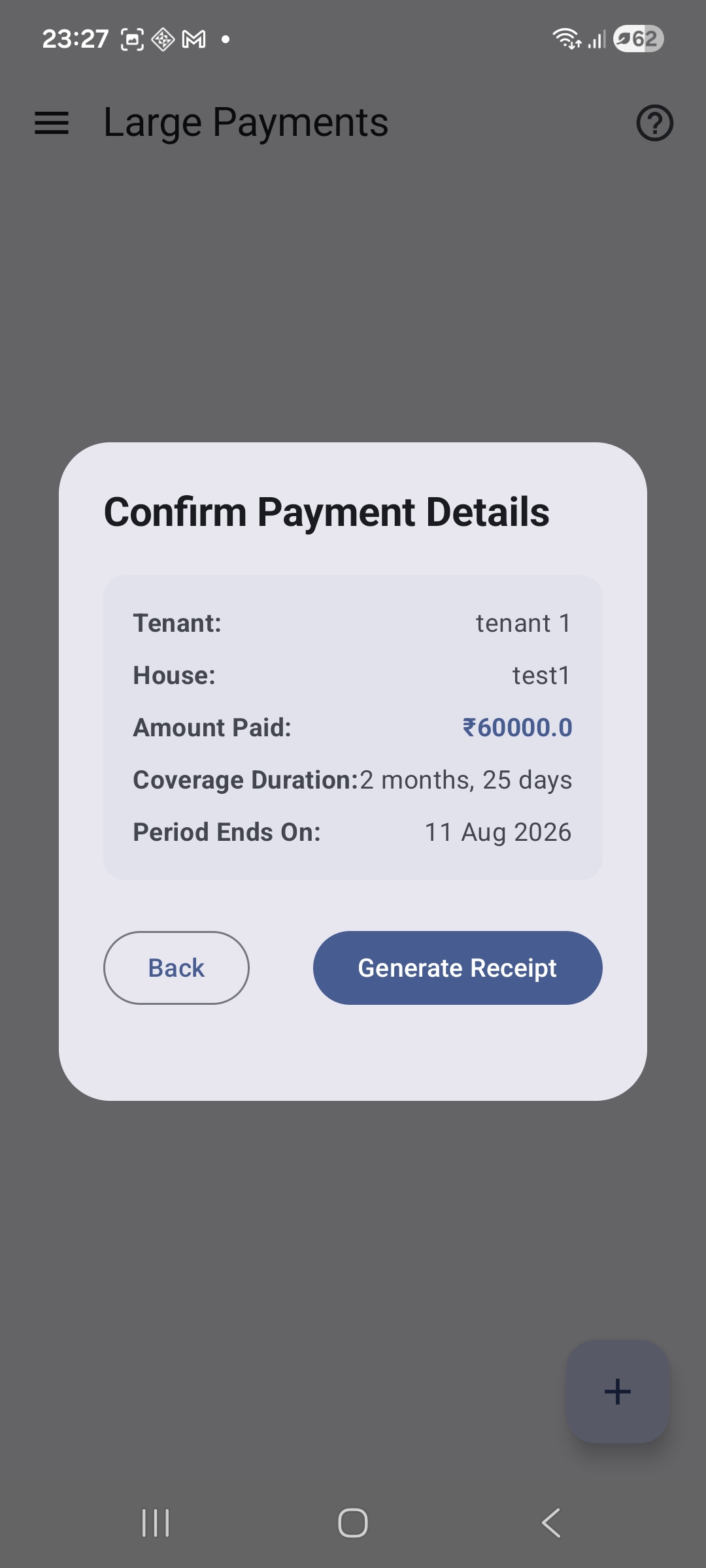
Advanced Payment & Discrepancy Alerts
The automatic calculator capturing overpayment balances, tracking underpaid status flags, and offering automated ledger adjustments.
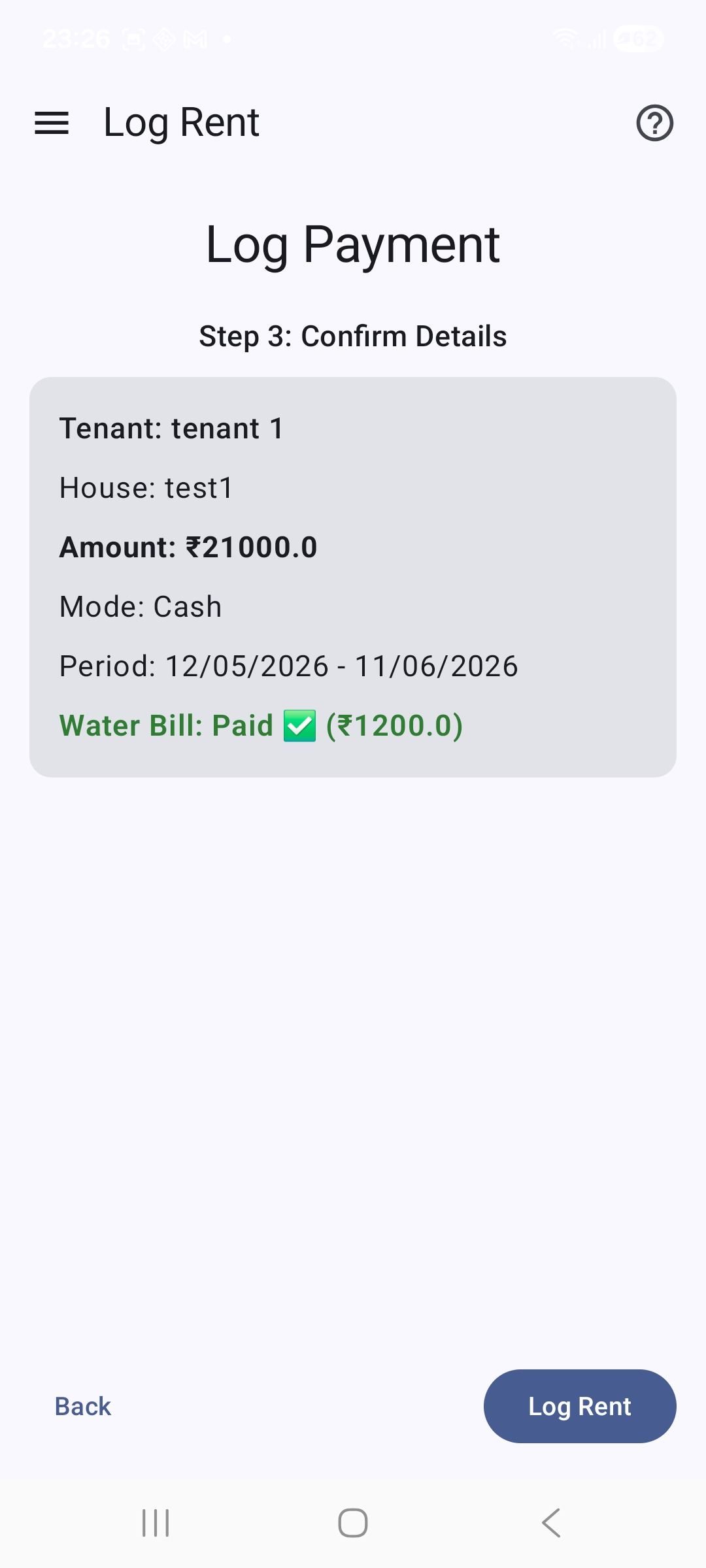
Final Transaction Confirmation Card (Step 3)
The safe confirmation dashboard layout displaying a thorough summary of updates prior to database commit execution.
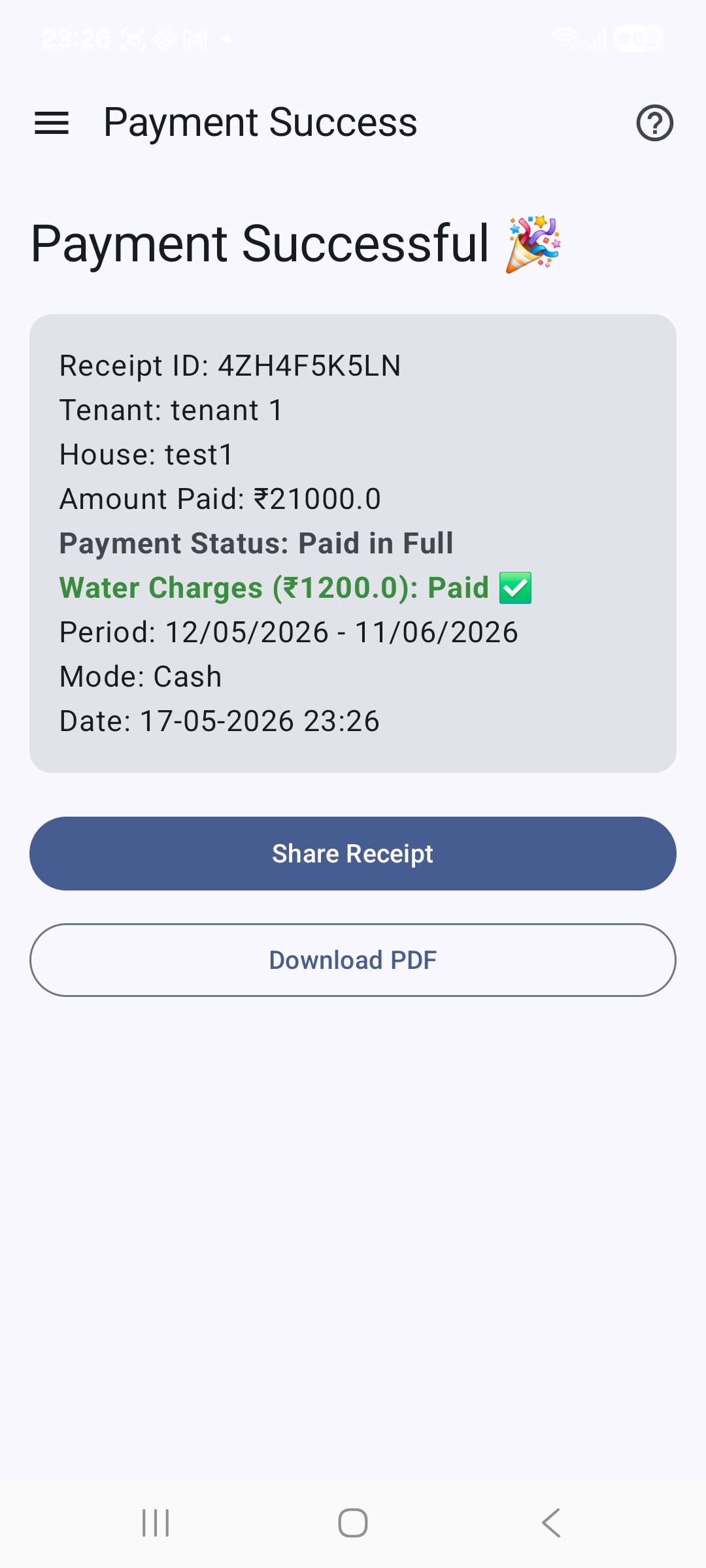
Payment Success Page
The completion receipt screen validating successful background automation scheduler tasks.
4. Ledger Records & Support Tools
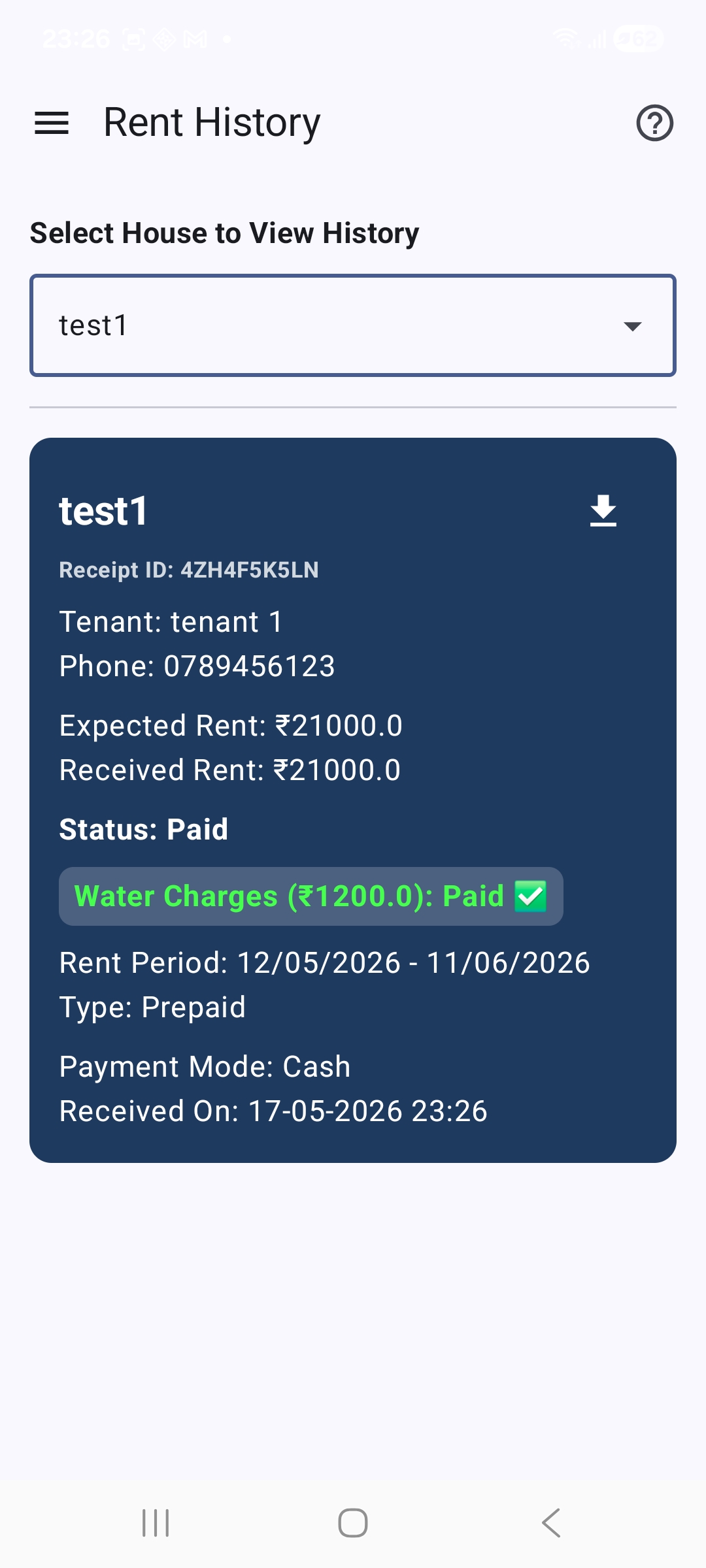
Historical Ledger Statement Lists
Full tracking statement archive sorted by date containing unique cryptographic Receipt IDs.
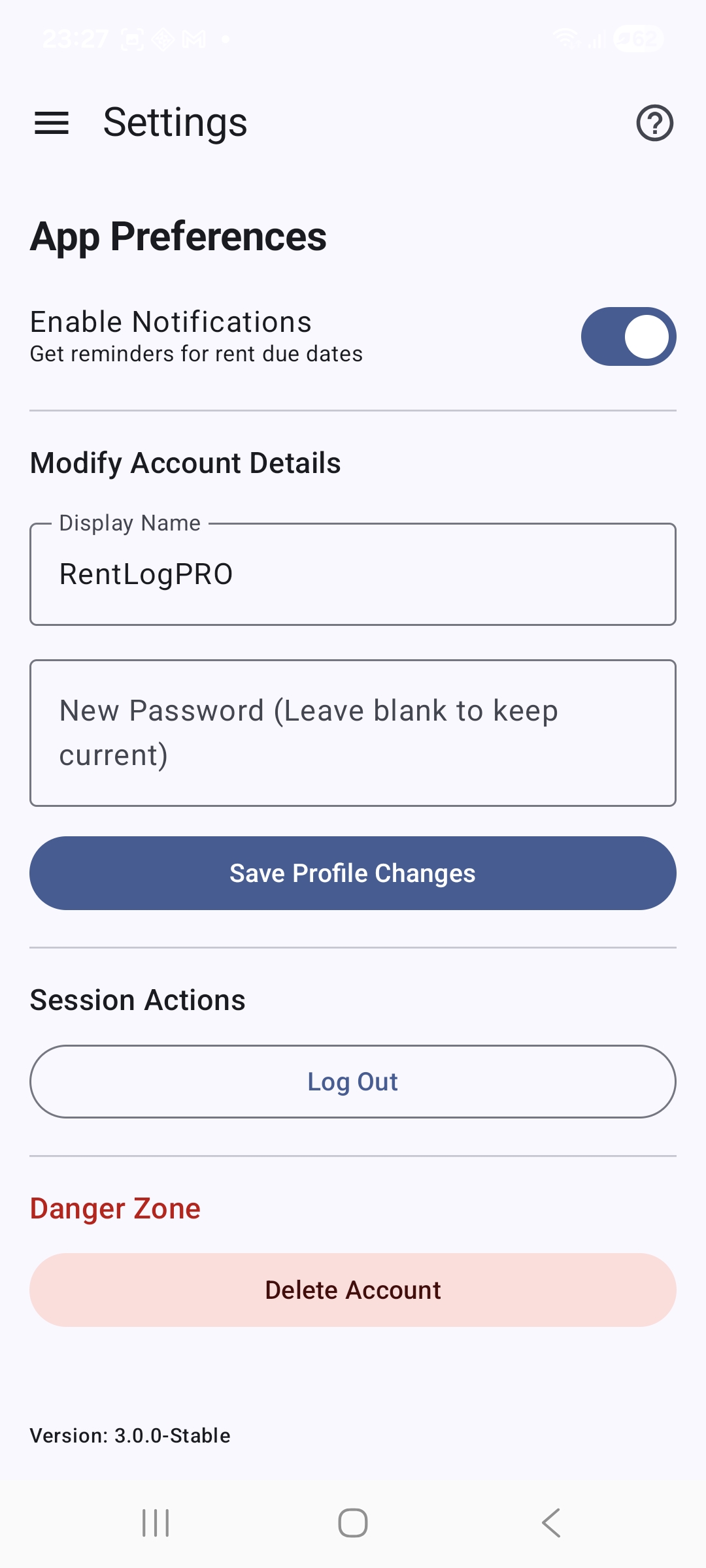
Global System Maintenance Dashboard
The control settings hub to purge structural configurations, wipe test logs, or manage app databases clean.
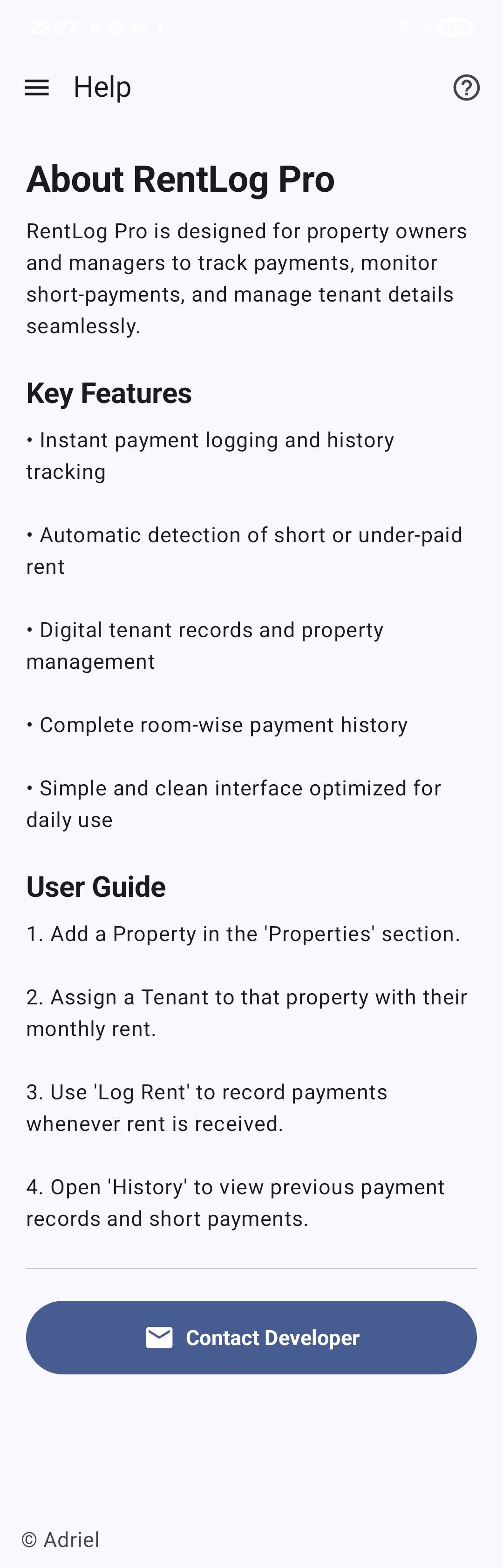
App Core Help Page
Comprehensive built-in operational documentation sheet describing application rules and parameters offline.
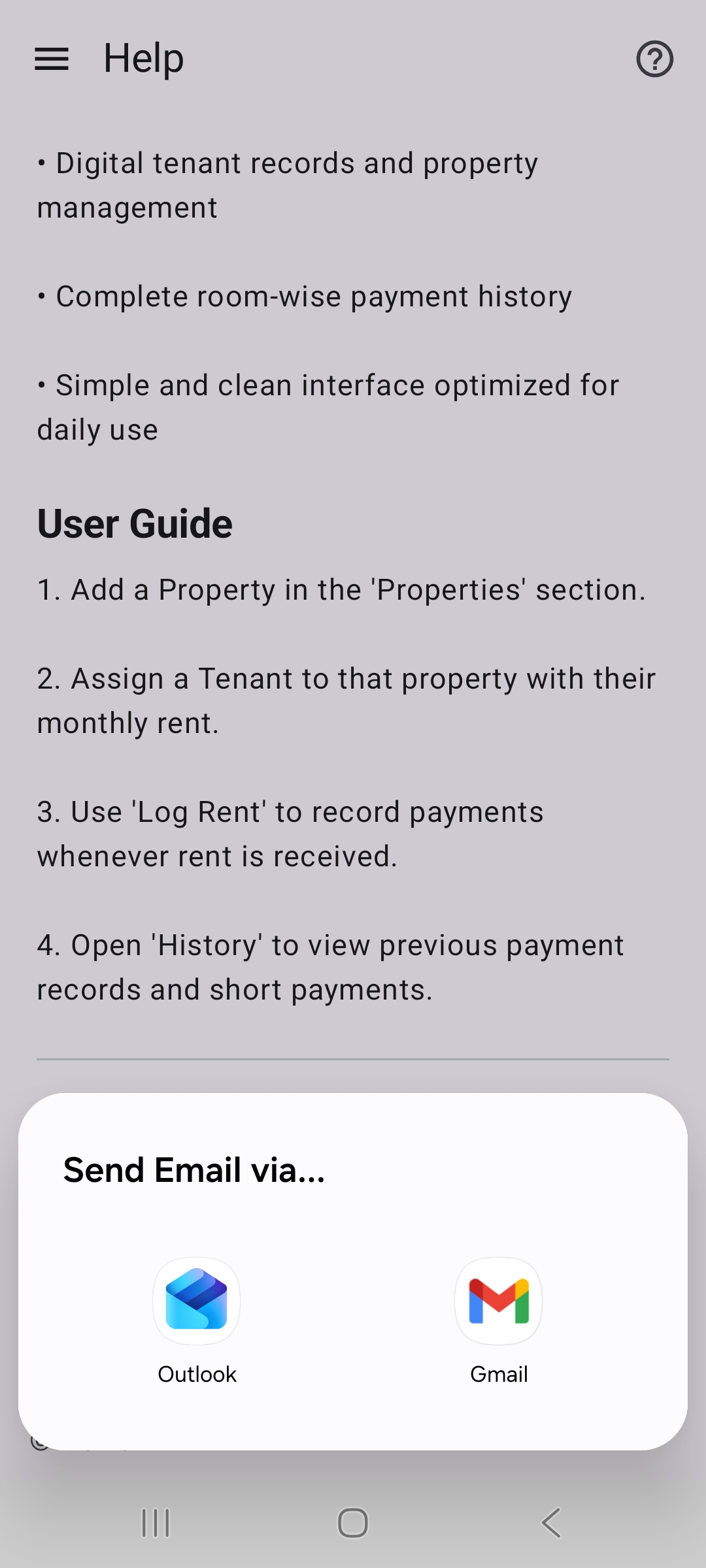
Developer Support Landing
Direct communication platform shortcuts connecting managers instantly with system support teams.
Still hitting issues or running into operational questions inside the app?